

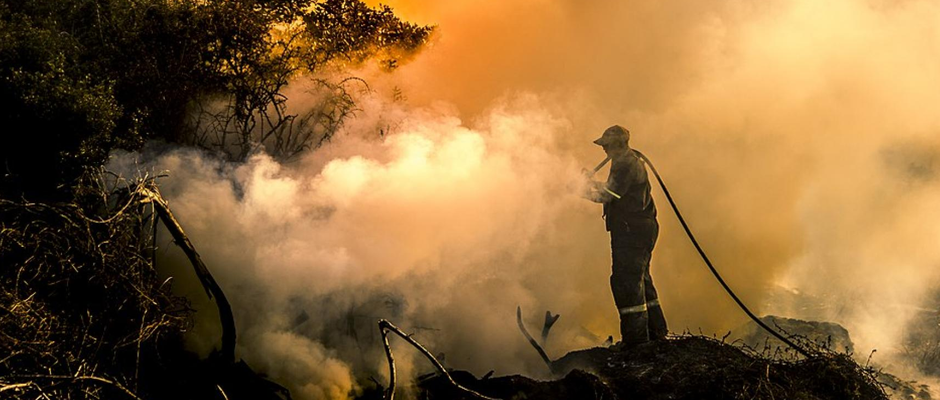
Saving the lives of life savers
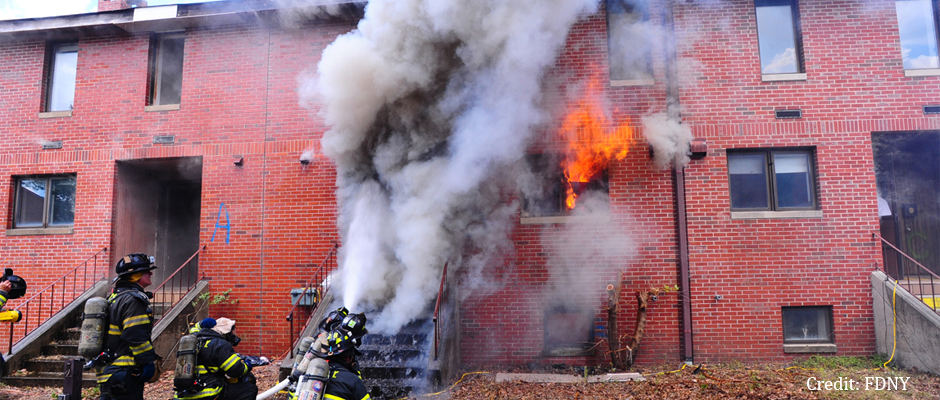
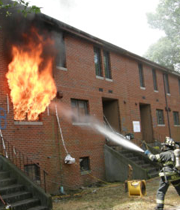
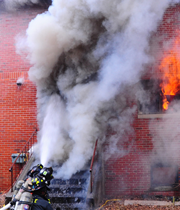
Beating back residential fires & cardiovascular risk at their own game
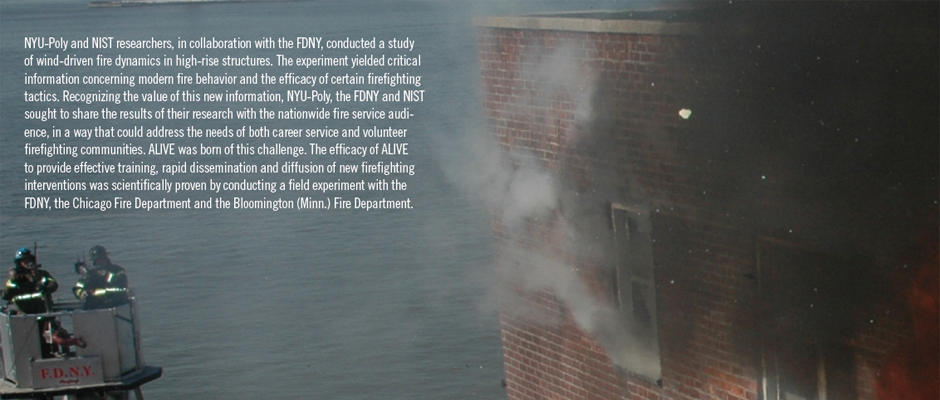
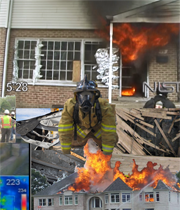
FireRescue Magazine: ALIVE training tool is a game changer
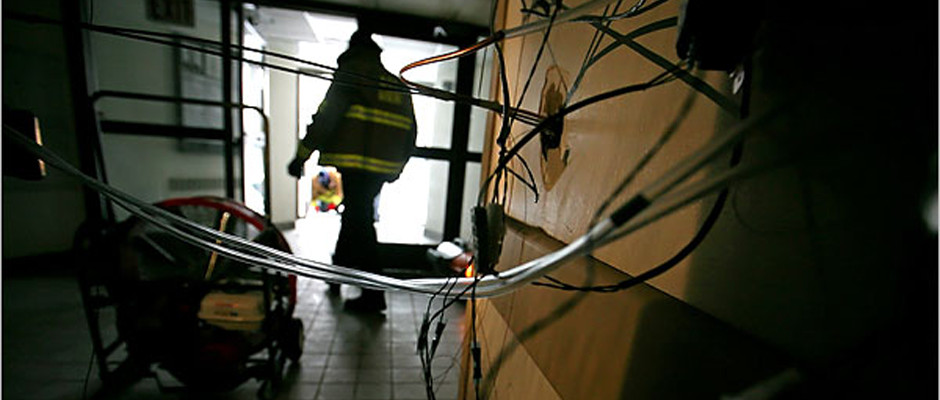
New York Times: Fire officials tackle challenges of high-rise blazes
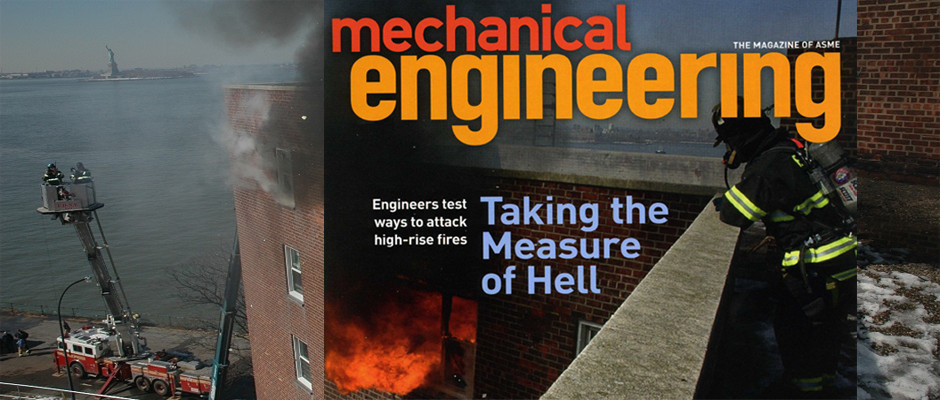
ASME Magazine: Wind, fire & high-rises - firefighters & scientists combat a lethal threat
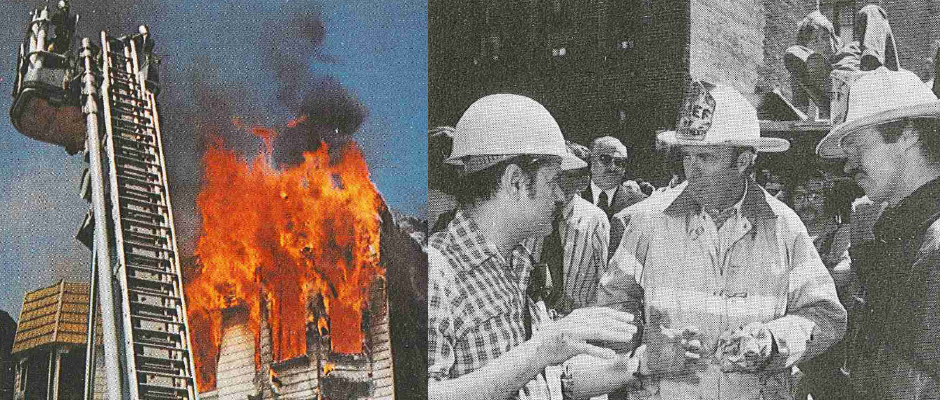
Set a Fire to Stop a Fire: Live Fire Tests by NYU-Poly & FDNY, 1975
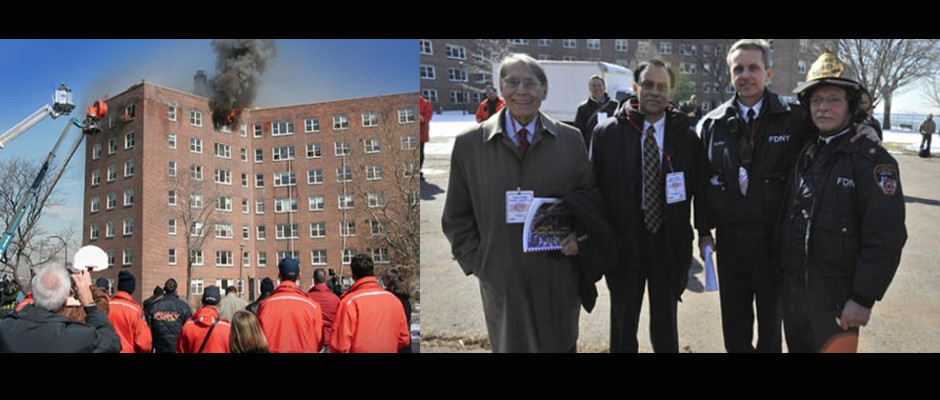
Poly teams up with FDNY to fight fire with engineering
* Downloading and installing the application will help you to go through ALIVE training without any video buffering issues due to low internet bandwidth or slow machine problems. Mac users should extract the zipped file and right-click to open the ALIVE application. ** Window users should extract the zipped file and double-click "alive.bat" to launch the ALIVE application. This approach does not require administrator privilages to install the application, and will help you to go through ALIVE training without any video buffering issues due to low internet bandwidth or slow machine problems.